
Cloudways Review 2026: The Easiest Way to Fast Managed Hosting
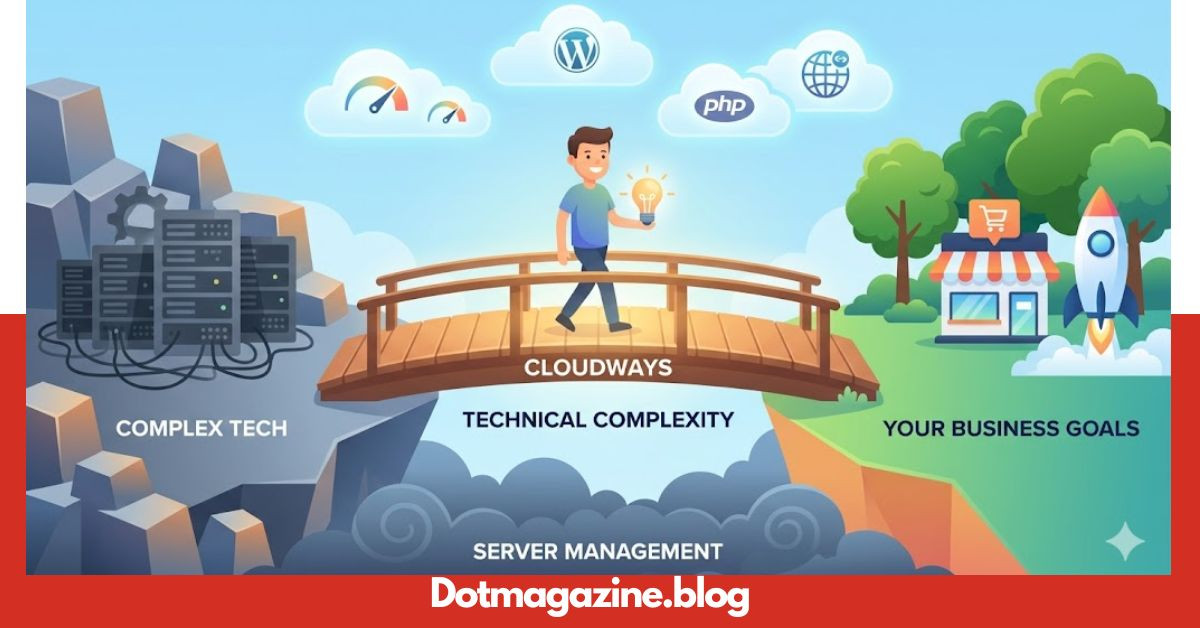
Choosing the right home for your website can feel like a giant puzzle. You want something fast, but you also want it to be easy to use. Many people hear about “cloud hosting” and think it sounds too technical or scary. That is exactly where Cloudways comes into the picture to save the day. It acts like a friendly bridge between complex tech and your business goals. Instead of managing servers yourself, this platform handles the hard stuff so you can focus on your content.
I have spent years testing different hosting providers, and I found that most are either too slow or too complicated. Cloudways is different because it gives you the power of huge cloud providers without needing a degree in computer science. Whether you are running a small blog or a busy online store, having a reliable partner is key. In this guide, we will look at how this platform works and why it might be the perfect fit for your next big project.
What Exactly Is Cloudways?
At its heart, Cloudways is a managed cloud hosting platform. This means they don’t actually own the big data centers. Instead, they let you choose from top providers like DigitalOcean, AWS, and Google Cloud. Think of them as a professional manager for your server. They take the raw power of the cloud and wrap it in a simple dashboard that anyone can navigate easily. This setup ensures your website stays online and runs at lightning speed.
Most traditional hosting puts many websites on one single server, which can slow things down. With Cloudways, you get your own dedicated resources. This means no one else’s traffic will affect your site’s performance. It is a modern way to host that prioritizes speed and security above all else. If you want a professional site that never lags, understanding how this managed service works is the first step toward digital success.
Simple Pricing for Every Budget
One of the best things about Cloudways is their “pay-as-you-go” pricing model. Most hosting companies force you to pay for a whole year upfront, which can be very expensive. Here, you only pay for the resources you actually use each month. If your website is small, you pay a small amount. As your business grows and you need more power, you can scale up your plan with just a few clicks.
This flexible approach is perfect for entrepreneurs who want to keep costs low while starting out. There are no hidden fees or “gotcha” moments when the bill arrives. You can even choose different server sizes based on your specific needs. Because Cloudways offers multiple cloud providers, you can find a price point that fits your wallet perfectly. It makes high-end web hosting accessible to everyone, not just big tech companies with huge budgets.
Performance and Speed Statistics
Speed is everything on the internet today. If your site takes more than three seconds to load, people will leave. Cloudways uses a special “ThunderStack” to make sure your pages fly. This system includes built-in caches like Varnish, Memcached, and Redis. These tools work together to store parts of your site so they load instantly for your visitors. It is like having a turbo engine under the hood of your website.
In my experience, moving a site to Cloudways usually results in a massive jump in Google PageSpeed scores. Fast sites also rank better in search results, which means more people will find you. They also offer a free CDN (Content Delivery Network) that places your images and files on servers all over the world. This ensures that a visitor in London and a visitor in New York both get a fast experience. Speed isn’t just a luxury; it is a requirement for modern SEO.
Easy WordPress Integration
Many people use WordPress to build their sites, and Cloudways makes this process incredibly simple. They have a “1-Click Installer” that sets up your site in minutes. You don’t have to worry about databases or complex file transfers. Once it is installed, you get access to a custom plugin called Breeze. This plugin is designed specifically to make WordPress run as fast as possible on their servers.
Managing multiple WordPress sites is also very easy from a single dashboard. You can clone a site to test new changes or move a site from a staging area to live mode safely. This “Staging Environment” is a lifesaver because it lets you fix bugs before your customers see them. Cloudways understands what WordPress users need. They provide a smooth experience that takes the stress out of technical maintenance and updates.
Security Features to Protect Your Data
Security is a top priority for any website owner. You don’t want to wake up and find your site has been hacked. Cloudways provides free SSL certificates, which put that little padlock icon in the browser bar. They also have dedicated firewalls that block malicious traffic before it even reaches your server. Their team performs regular security patching to keep the software up to date and safe from new threats.
Another great feature is the automated backup system. You can choose to have your site backed up every hour or every day. If something goes wrong, you can restore your entire website with one click. It is like having a “time machine” for your data. This peace of mind is worth a lot when you are building a brand online. Knowing that Cloudways is watching over your server 24/7 allows you to sleep better at night.
Excellent Customer Support
Even tech experts need help sometimes. Cloudways offers 24/7/365 live chat support to assist you with any issues. Their support team is very knowledgeable and can help with everything from server setup to technical errors. If you have a more complex problem, you can open a ticket, and they will dig deep to find a solution. They also offer “Advanced” and “Premium” support add-ons for businesses that need even faster response times.
Beyond the live chat, they have a massive library of help articles and tutorials. You can find step-by-step guides for almost anything you want to do on the platform. The community forum is also a great place to chat with other users and share tips. Having a reliable support system means you are never alone on your digital journey. Cloudways does a great job of making sure their customers feel supported and valued.
Global Server Locations
Where your server is located matters a lot for speed. If your customers are in Australia, you want a server in Australia. Because Cloudways partners with companies like Google and Amazon, you can choose from over 65 data centers worldwide. This global reach ensures that you can serve your content from the location closest to your audience. It reduces “latency,” which is the time it takes for data to travel across the internet.
Choosing a local server is also great for local SEO. Search engines often look at where a site is hosted to help determine its relevance to local users. With Cloudways, you aren’t stuck in one spot. If your business expands to a new country, you can easily launch a new server in that region. This flexibility is a huge advantage for growing companies that want to reach a global market without technical hurdles.
Detailed Hosting Comparison Table
| Feature | Cloudways Managed Hosting | Traditional Shared Hosting |
| Speed | Extremely Fast (Dedicated) | Slower (Shared Resources) |
| Scalability | Easy 1-Click Scaling | Difficult / Requires Migration |
| Security | Dedicated Firewall & Auto-Patches | Basic / Shared Security |
| Control | Full Server Control Panel | Limited Control (cPanel) |
| Backups | Automated & On-Demand | Often Extra Cost or Manual |
| Pricing | Pay-as-you-go | Monthly / Yearly Contracts\ |
Why Developers Love This Platform
While beginners find it easy, developers love Cloudways for its advanced tools. You get full access to SSH and SFTP, which allows you to manage your files directly. You can also use Git to deploy your code automatically. The platform supports multiple versions of PHP, so you can run older apps or stay on the cutting edge with the latest updates. It is a playground for people who like to customize their setup.
The platform also offers an API that allows developers to automate tasks. You can build your own tools to manage servers or integrate them with your existing workflow. This balance of simplicity for beginners and depth for experts is rare in the hosting world. Cloudways manages to please everyone by keeping the interface clean but leaving the powerful tools just a click away. It is a professional environment built for modern web development.
Collaborating with Your Team
If you work with a team, Cloudways makes collaboration very simple. You can add “Team Members” to your account and give them specific permissions. For example, you might let a developer access the server but keep the billing information private. This prevents the need to share passwords, which is a big security risk. You can also assign different people to different projects to keep things organized.
This feature is perfect for agencies that manage many different clients. You can create separate “Projects” to group servers and applications together. This keeps your dashboard tidy even if you are managing dozens of websites. Cloudways was designed with the professional workflow in mind. It saves time and reduces the chance of making mistakes when multiple people are working on the same account.
Conclusion
In the end, your website deserves the best foundation possible. Cloudways provides a unique mix of high performance, top-tier security, and user-friendly management. It takes the stress out of cloud hosting so you can focus on what you do best creating content and growing your business. The “pay-as-you-go” model makes it a low-risk choice for anyone looking to upgrade their current hosting situation.
If you are tired of slow load times and confusing dashboards, it might be time to make a change. Thousands of successful businesses trust this platform every day. From my perspective, the value you get for the price is hard to beat anywhere else. Give Cloudways a try and see the difference a fast, managed server can make for your online presence. Your visitors will thank you for the speedy experience!
Frequently Asked Questions
Yes! While it uses powerful technology, the dashboard is very simple. You don’t need to know how to code to launch a website or manage your server.
Absolutely. You can host as many websites as you want on a single server, as long as the server has enough RAM and storage to handle the traffic.
Yes, they usually offer a 3-day free trial so you can test the platform without a credit card. This is a great way to see if it fits your needs.
They provide a free migration plugin for WordPress that does all the work for you. Their support team can also help if you get stuck during the process.
You can use the “Vertical Scaling” feature to increase your RAM or CPU in seconds. Your site will stay online, and you only pay for the higher stats from that moment on.
No, Cloudways does not sell domain names. You can buy your domain from any registrar (like Namecheap or GoDaddy) and easily point it to your server.